Key moments
- Tracked dev highlights in Trenches
- Step 1: open the Trenches settings
- Step 2: Token, then Background
- Step 3: turn on Tracked dev highlight
- Tracked devs' coins in the feed
- Highlight a tracked wallet's trades
- Pick a highlight color
- Highlighted trades on a coin
What does tracking a developer do in Terminal?
It colors every new coin that developer launches in Trenches. The feed moves too fast to read in full, so a highlight is how a known creator's next coin stands out. Tracked dev highlights arrived on July 26, 2026. Tracking is free and needs no funds, only a signed-in account.
The same tracking works for traders. Highlight a wallet and its buys and sells get a tint on any coin's trades tab.
How do you track a developer?
- Copy the developer's wallet address from a coin they launched.
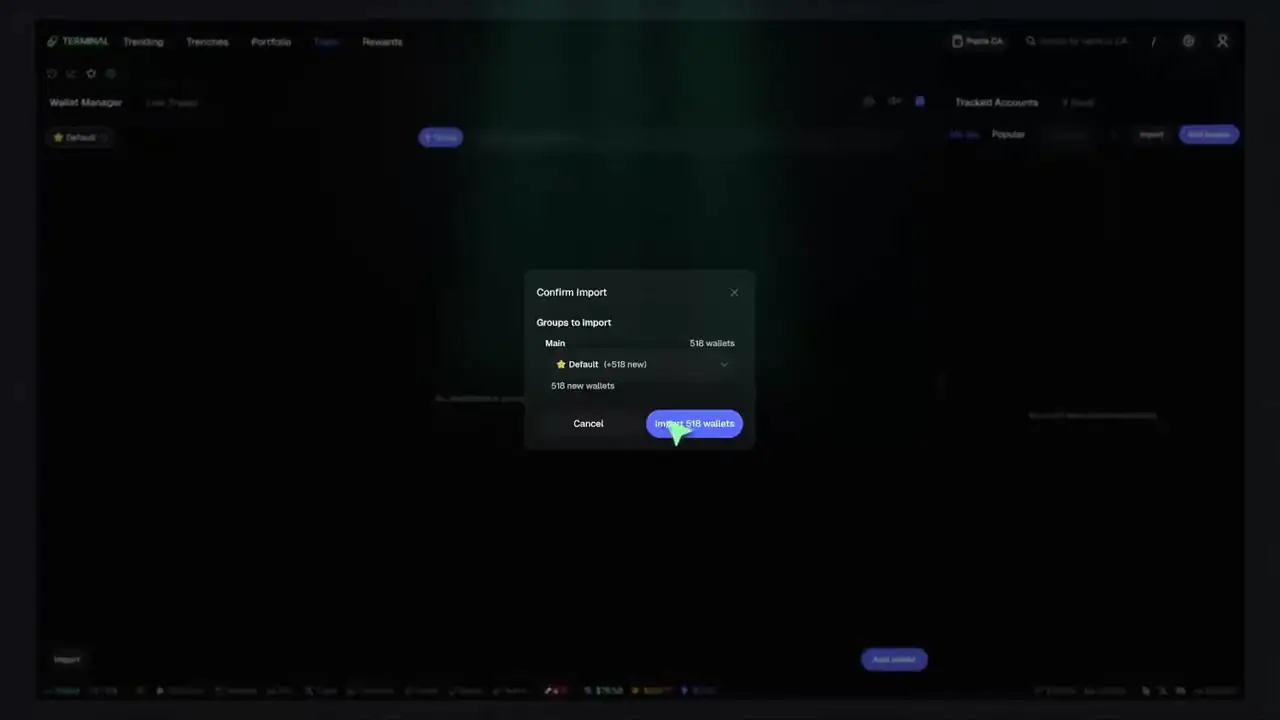
- Open Track, then Wallet Manager, and add the wallet with a short name.
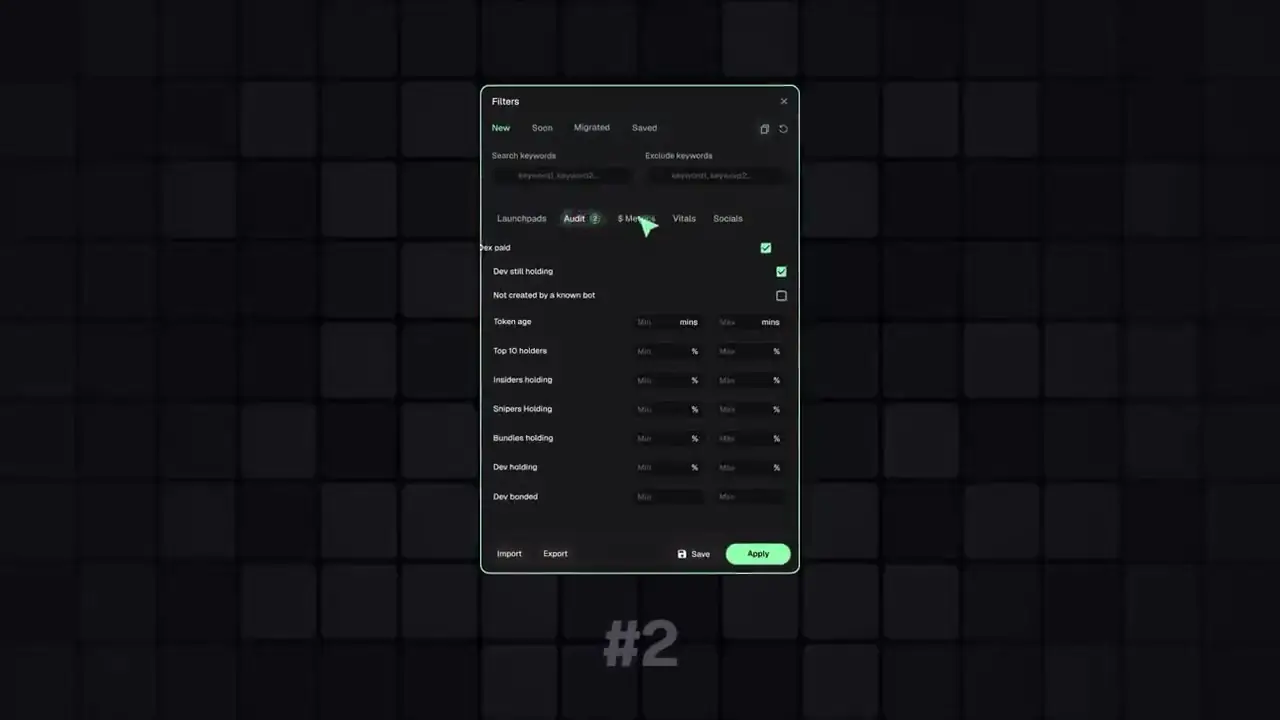
- In Trenches, click Customize to open the Trenches settings, then the Token tab and the Background section.
- Switch on Tracked dev highlight and pick a highlight color. Tick Only highlighted wallets to limit it to the creators you marked, or Use each wallet's custom color to give each one its own shade.
- To color one wallet, open its details, click the paint bucket, turn on Highlight and pick a custom color.
The first two steps are not in the video. Once the highlight is on, coins from tracked developers show with a colored card in the New and Soon columns.
Is a tracked developer's next coin a safe buy?
No. A good past launch says little about the next one, and some developers sell into the buyers their name attracts. Check the history first. A wallet's details show realized PNL, trades, wins and win rate over 1, 7 or 30 days, and the coin page lists the developer's other coins. How to read holder, dev and bundle data explains what to look for, and how to track a wallet on Pump Fun covers alerts and imports.
Buys in Terminal pay its own fee, 1% in most cases, minus cashback. The Pumpfun app follows people rather than addresses, and there code BonusReward brings the platform fee to 0.40% instead of 0.45%. The Pump Fun memecoin trading guide shows how dev tracking fits with the rest of Trenches.