Key moments
- Bundle detection in Terminal
- Open the bundle map on a coin
- Bundle wallets and clusters
- New pairs filters for each column
- Audit tab: cap bundles, snipers and dev
- Copy, save and export a filter set
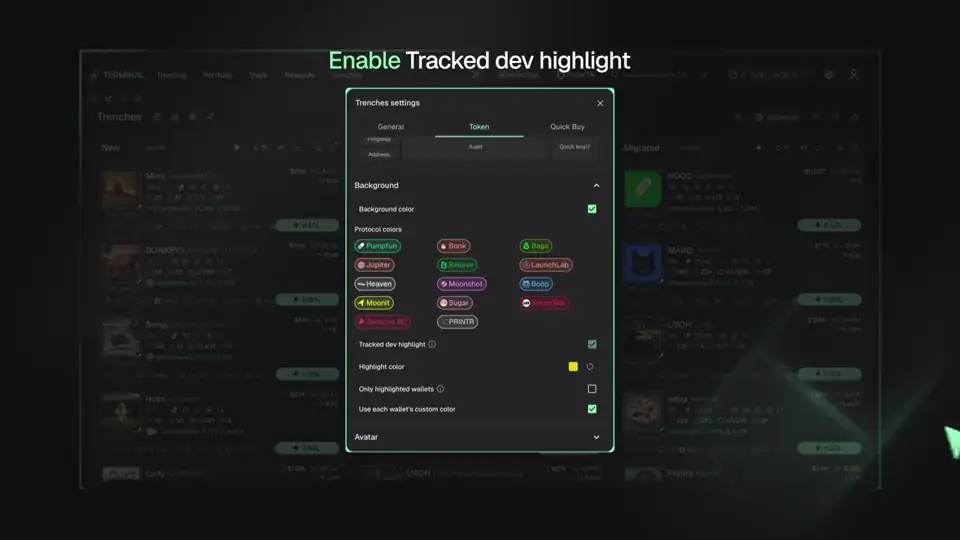
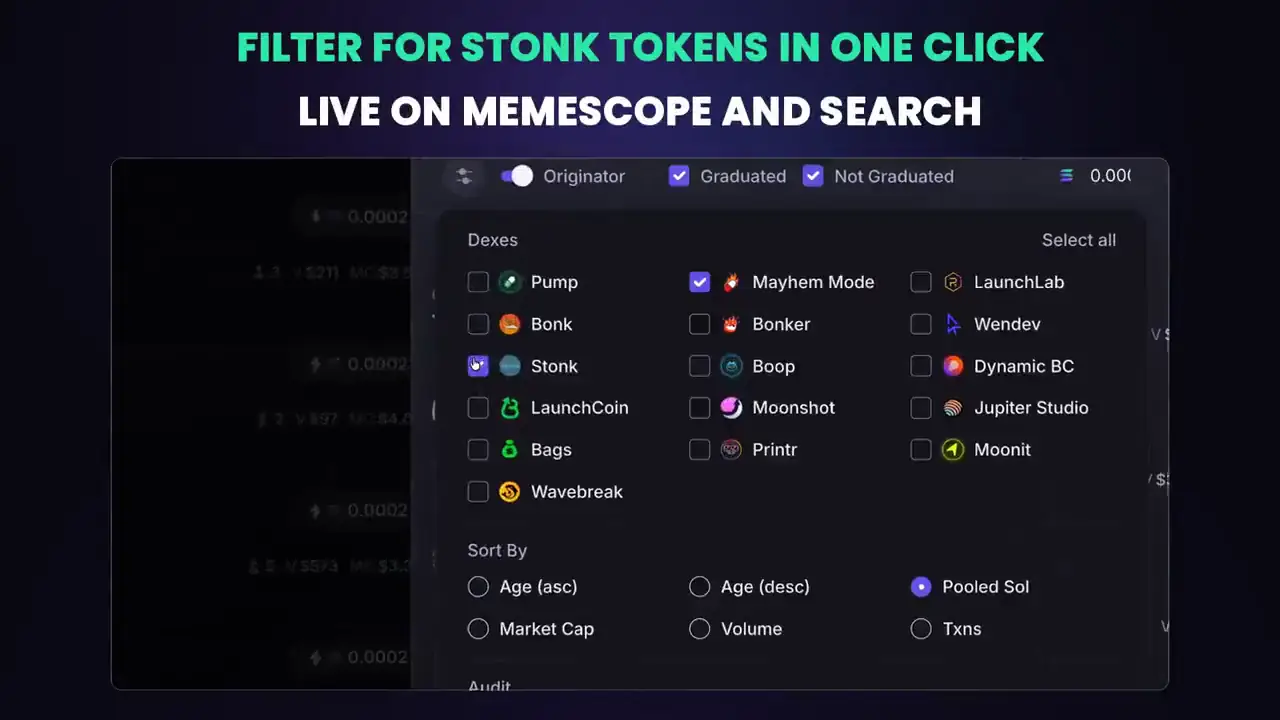
- Keyword tracker and token launcher
- Dev token stats
What is a bundled coin?
A coin where one person bought a large share through many wallets at once. A bundle is a group of buys sent together, often spread across a dozen wallets so the holder list looks healthy. Those wallets can sell together too, and the drop lands on everyone who bought after them.
Terminal's June 2026 update gave you two tools for this. The reworked Audit tab in the new pairs filters hides bundled coins before you see them. A new bundle map on each coin page shows the ones that get through.
How do you filter bundled coins out of Trenches?
- In Trenches, click the filter icon on a column. The tabs at the top of the panel switch between New, Soon and Migrated.
- Open the Audit tab and set a maximum for Bundles holding. Under 10% is a common start, and the same goes for Snipers holding.
- Cap Dev holding, Insiders holding and Top 10 holders in the same tab. Set a Token age too if you only want fresh coins.
- Tick Not created by a known bot to drop bot launches. Dev still holding hides coins whose developer has sold out.
- Use the copy icon at the top to apply the same settings to the other columns.
- Click Save to keep the set and Export to move it to another machine, then Apply.
Do filters make a coin safe?
No. They hide the obvious cases, and a careful bundler can stay under any limit. Before you buy, open the coin's bundle map. It groups wallets that bought together into clusters, each with its wallet count and share of supply. In the video, the biggest cluster is 4 wallets with 1.1% of supply. Switch the map to Bundle wallets only to hide everyone else.
How to read holder, dev and bundle data explains each of these numbers, and the Pump Fun sniper bot guide shows how the filters fit a fast-entry setup. Buying from Terminal costs its own fee, 1% per trade in most cases, minus cashback. Code BonusReward works in the Pumpfun app instead, where the platform fee drops from 0.45% to 0.40%.