Key moments
- Faster social previews
- DCA orders in Terminal
- Step 1: pick DCA in the buy panel
- Step 2: enter the total amount
- Step 3: set the orders and the gap
- Step 4: place the order
- Wallet groups and transfers
- Ethereum tracking and ETH cashback
What is a DCA order in Terminal?
It is one buy split into smaller orders that Terminal places for you. You choose the total, the number of orders and the gap between them. The orders can be spaced by time or by market cap, and optional Min and Max fields keep them inside a range you set. DCA orders arrived in Terminal in May 2026.
The point is to avoid buying your whole size at the top of one candle. Five smaller buys spread over a minute can land at a better average than one big market buy, or a worse one if the price keeps climbing.
How do you set a DCA order?
- Open the coin in Terminal and pick the wallet at the top of the buy panel.
- Keep Buy selected and switch the order type menu from Market to DCA.
- Type the Total DCA, the full amount you want to spend. The video uses 69.420 SOL.
- Set Orders and Every. The video splits the buy into 5 orders, one every 15 seconds.
- Leave Min and Max at None, or fill them in to limit where the orders may fill.
- Check the gas row and click Place order. Each order lands as its own transaction, with its own confirmation.
What does a DCA order cost?
Terminal's fee on every order, 1% in most cases, minus cashback. Splitting a buy does not change that rate. Each order is a separate transaction, though, so the priority fee and tip in the gas row (0.003 and 0.004 SOL in the video) may be paid on each one. Pool fees come on top.
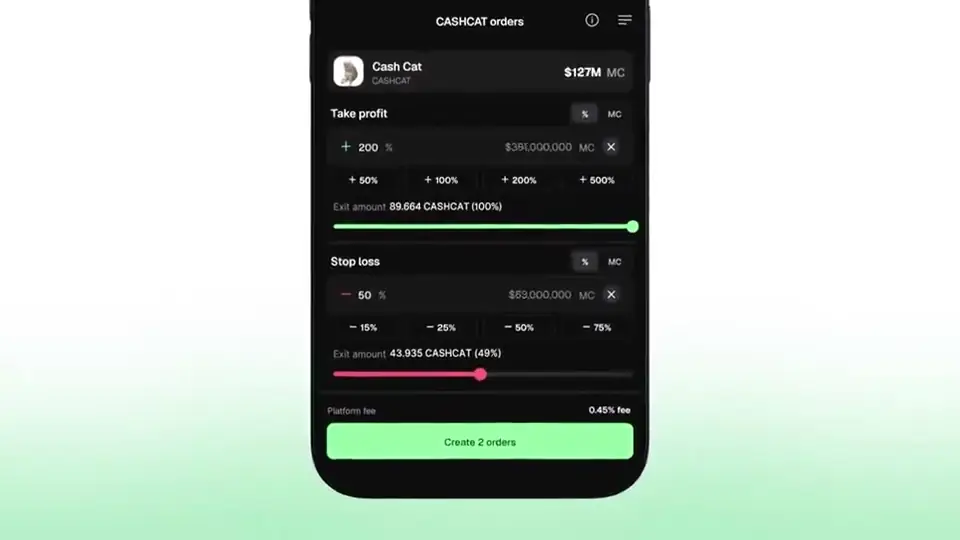
DCA spreads your entry. It does not limit a loss: if the coin keeps falling, every order still buys. The Pumpfun app has market and limit orders with take profit and stop loss, but no DCA order at the time of writing. There, code BonusReward cuts the platform fee from 0.45% to 0.40%. The Pump Fun Solana trading bot page covers DCA next to wallet groups and Fortify, and the Pump Fun Terminal guide has the full fee table.