Key moments
- Limit orders on Solana coins
- Step 1: set a take profit
- Step 2: set a stop loss
- Both levels on the chart
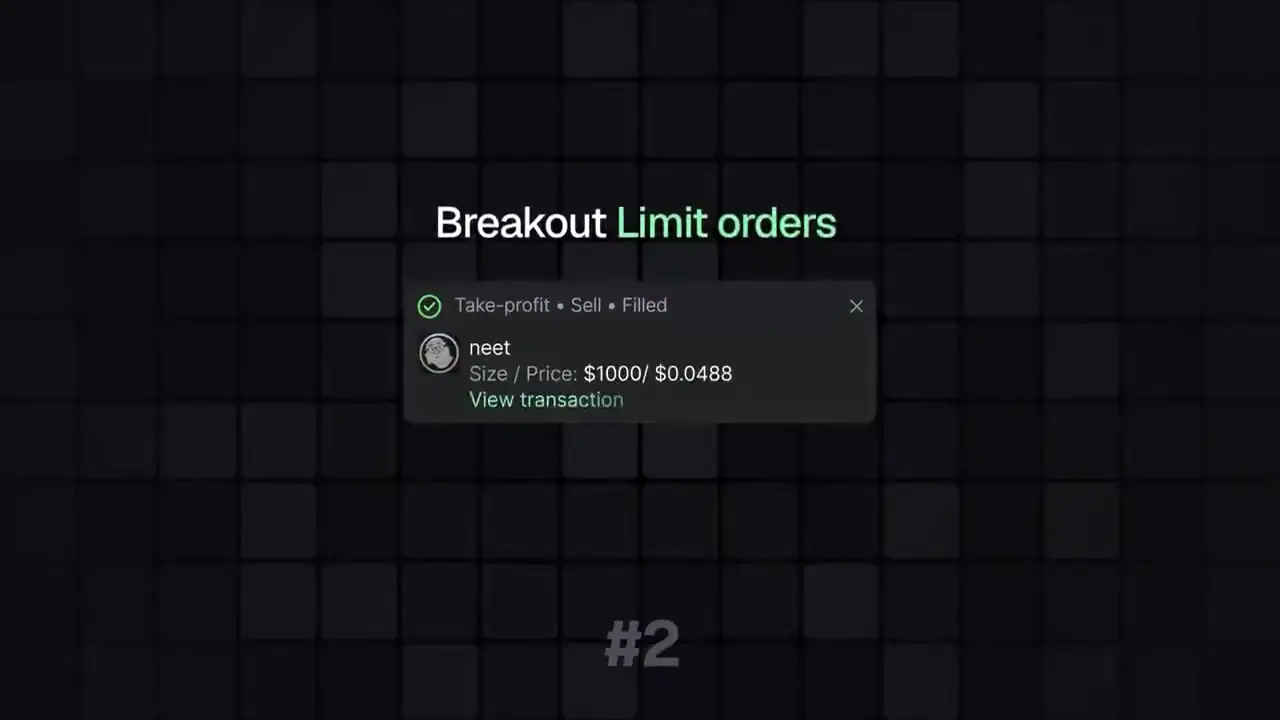
- The take profit fills
- Orders work while the app is closed
What are limit orders on Pump Fun?
They are automatic sells on a coin you already hold. A take profit sells when the market cap climbs to your target. A stop loss sells when it falls to your floor. Both run on Pump.fun's servers, so the app can be closed while they wait, and a notification arrives when one fills.
They came to Solana coins in the Pumpfun app on September 1, 2026. Orders in the app are exits only. You buy at the market price first, then set where to get out.
How do you set a take profit and a stop loss?
- Add code BonusReward under Profile, Rewards, Referrals before your first purchase. An order pays the platform fee when it fills: 0.40% with a code, 0.45% without.
- Buy the coin, then tap Add limit orders on the Open position card under the chart.
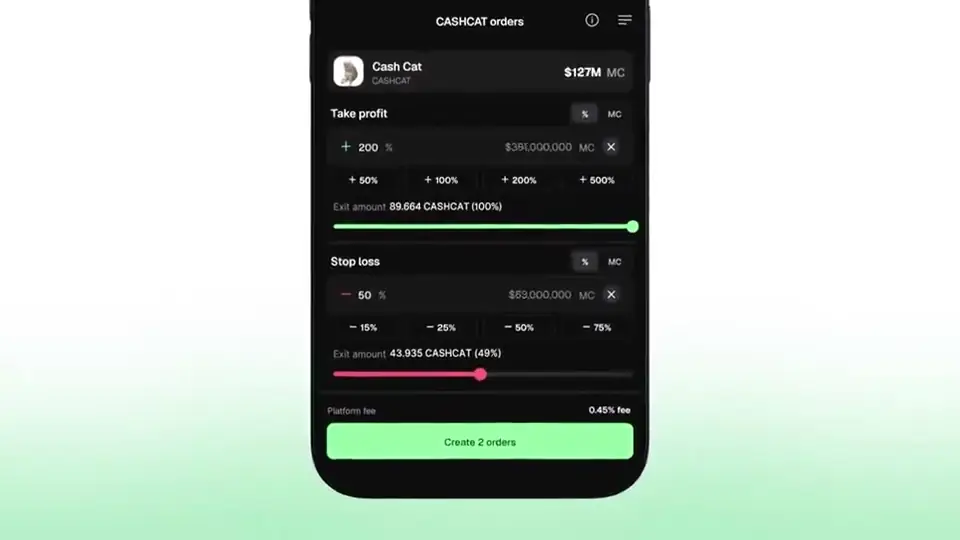
- Set the take profit. The +50%, +100%, +200% and +500% presets add to the current market cap. In the video, +200% puts the target at $19.48M.
- Set the stop loss with the -10%, -25%, -50% or -75% presets. Here, -50% puts the floor at $4.87M.
- Move each Exit amount slider to the share you want sold, then tap Create orders. Both levels show on the chart as dashed lines, green above the price and orange below.
The video does not show the Exit amount sliders or the fee line. How to set a stop loss on Pump Fun walks through every screen, including how to cancel an order.
Does a stop loss always sell at your price?
No. It starts a sell at your level, but the fill can come in lower. When the market cap touches your floor, the app sells at whatever the pool pays next. On a thin memecoin, one big seller can push the price far below your level in a single trade. Your order can then fill lower, late or only in part.
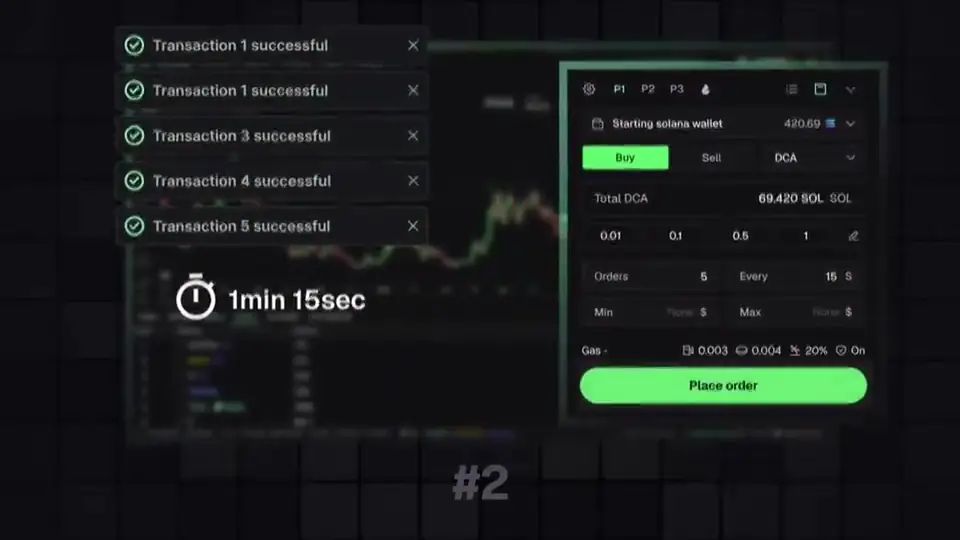
Size each trade as if the stop could fill at half your level. Take some profit early, so a gap eats gains rather than your stake. If you sell by hand, cancel the open orders straight after. For entry orders and DCA, look at Pump Fun Terminal, which has more order types than the app.