Key moments
- Holder Rewards in Terminal
- Step 1: the icon on coin cards
- Step 2: the icon in the coin header
- Step 3: total paid and top receivers
What is a Holder Rewards coin?
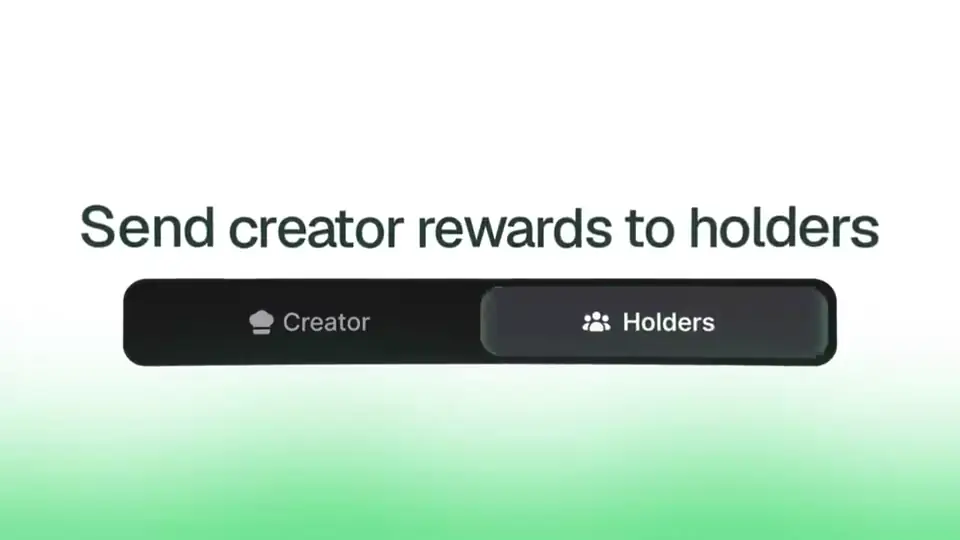
A coin that pays its creator fees to the people holding it. The creator usually picks it at launch, and the switch is permanent. Traders pay the same fee either way. Only the receiver changes. Any wallet holding more than $20 of the coin gets a share several times an hour, in SOL or whatever the coin is paired with, and there is nothing to claim. Holder Rewards started on September 12, 2026, and Terminal supported them from that day.
How do you find one in Terminal?
- Scan Trenches or Trending for a small icon of coins on a hand, next to a coin's links and search icon.
- Open the coin. The same icon sits in the coin header above the chart.
- Click it. The Holder rewards panel shows the total distributed, in SOL for a SOL pair, and the top receivers with what each one got.
- For a full list, use the Holder rewards tokens page on pump.fun, which sorts every such coin by rewards paid. The video does not cover it.
What should you check before buying one for the rewards?
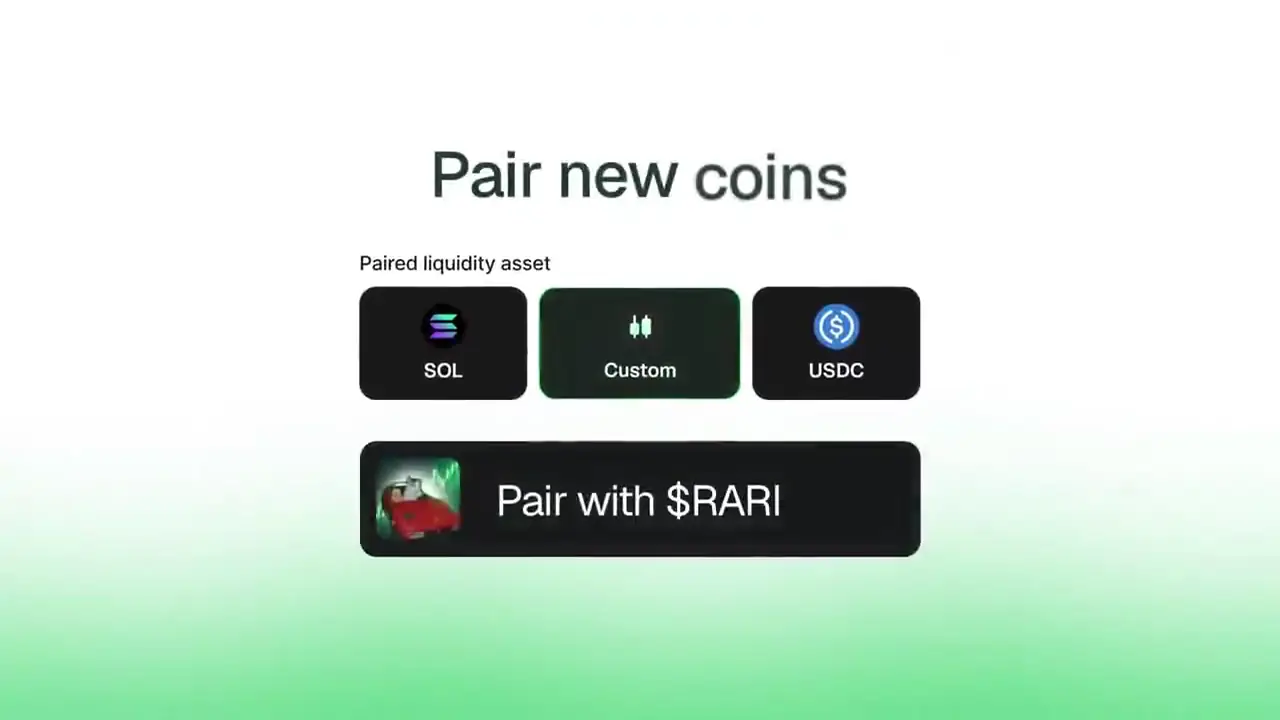
Total paid out, who holds the supply, and the fee. Trust the icon over the coin's name or description, which can say anything. The icon comes from how the coin was set up. A coin that has paid holders very little has very little trading behind it. If a developer or a bundle holds 30% of the supply, they also take about 30% of each payout. On a Custom Pair, a higher fee pays holders more but can keep traders away. And no payout makes up for a coin that falls.
Buying in Terminal costs its own fee, 1% in most cases, minus cashback. In the Pumpfun app the platform fee is 0.40% with code BonusReward, and the payouts reach your wallet the same way. The Pump Fun Holder Rewards guide covers payout sizes, fees and how creators turn them on.