Key moments
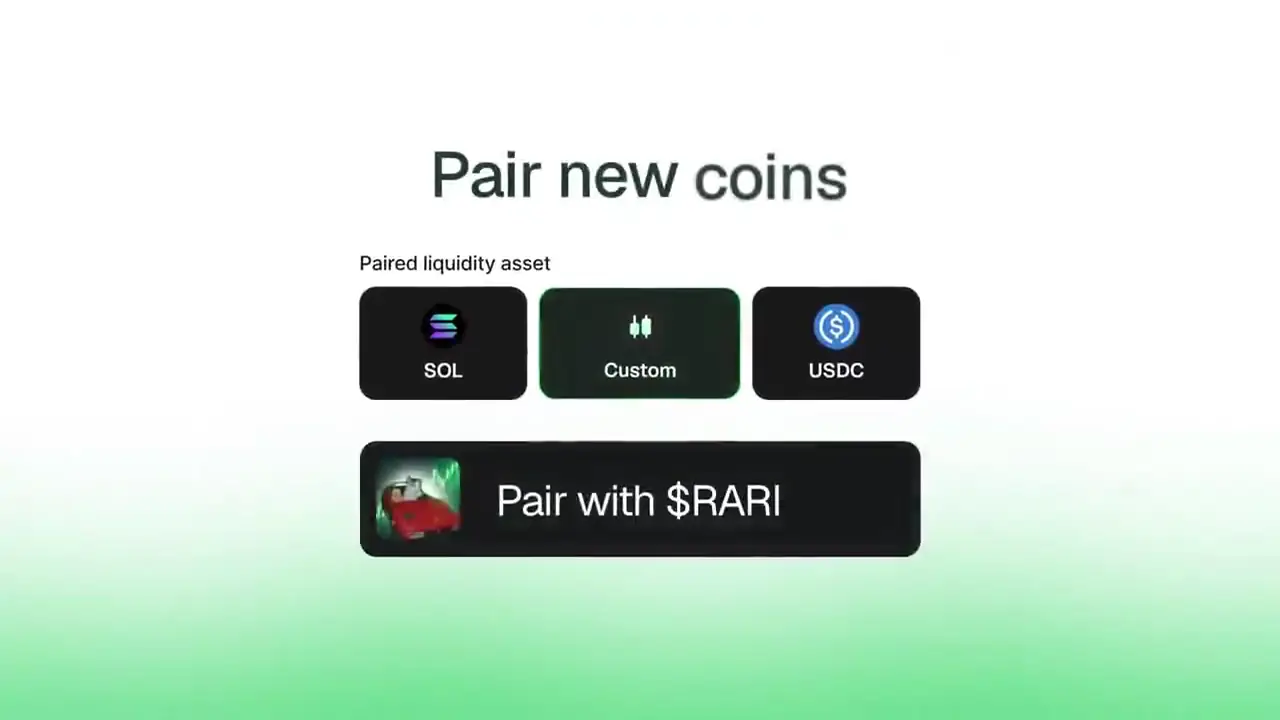
- Pump.fun USDC pairs in Terminal
- USDC icons on coins and charts
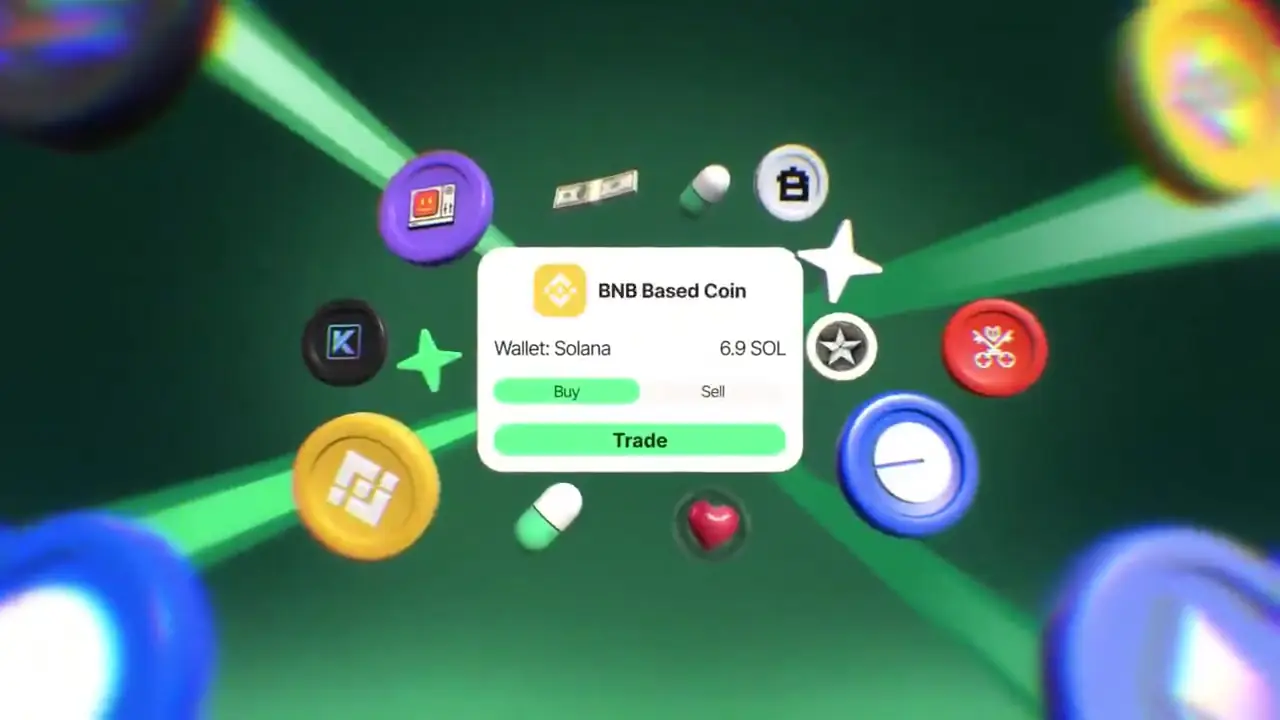
- Base coins in Terminal
- Base in Trenches
- Base in Trending
- Cashback on Base trades
- Mayhem Manager: manual mode
What are USDC pairs and Base coins in Terminal?
A USDC pair is a Pump.fun coin traded against USDC instead of SOL. The creator picks the paired asset at launch: SOL, USDC or a Custom pair. Selling one pays out in USDC. Terminal marks these coins with a USDC icon next to the coin's links, and the chart title ends in /USDC.
Terminal's June 2026 update also brought Base into Trenches and Trending, next to Solana coins, with cashback on Base trades.
How do you trade them in Terminal?
- Fund your Terminal trading wallet on the chain you want to trade.
- Open Trenches or Trending and switch the chain to Base with the chain icons at the top. On Base, Trenches shows New, Volume 1H and Dex Paid columns.
- For a Pump.fun USDC pair, look for the USDC icon on the coin card or in the coin header.
- Buy from the coin page, or with the quick-buy button on any row, the same way as a SOL coin.
- Open Rewards, then Cashback, and pick the Base icon to claim what your Base trades earned. The video claims 0.67 there.
What does a Base or USDC trade cost in Terminal?
Terminal's own fee, 1% per trade in most cases, minus cashback. Pool fees and network costs come on top. Cashback builds up per chain, so Base cashback is claimed on its own.
Pump.fun's platform fee and code BonusReward belong to the Pumpfun app. There, Base and USDC trades cost 0.40% with the code instead of 0.45%, and Base trades add a 0.10% to 0.15% EVM fee that pays the gas. How to switch chains in the Pumpfun app covers that side, and the Pump Fun Terminal guide explains Terminal's fees and cashback.
The clip ends with Manual mode in the Mayhem Manager, a tool for coin creators. See what Mayhem Mode is on Pump Fun.