Key moments
- Robinhood Chain tokens in the Pumpfun app
- Step 1: pick Robinhood in the Movers filters
- Step 2: trade the tokens
- No bridging
- Pay with SOL
- Get the app
Can you buy Robinhood Chain tokens on Pump Fun?
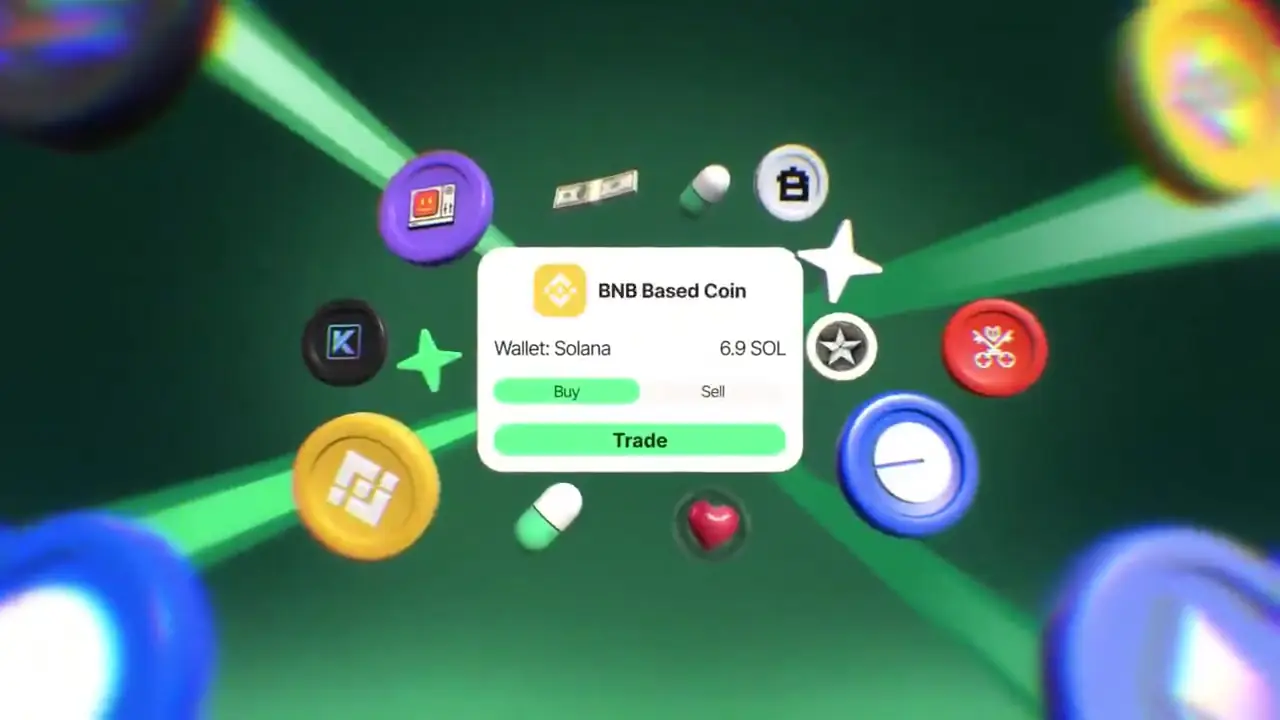
Yes. The Pumpfun app has traded them since July 8, 2026. Robinhood Chain is one of the EVM chains in the app, so its tokens sit in the same lists as Solana coins and spend the same balance. You pay with SOL or USDC, and the app moves the money across chains without a manual bridge. You do not need the chain's own gas token.
Tokens launched on Pons, the best-known launchpad on Robinhood Chain, can in most cases be bought here too, so you do not need a second app for them.
How do you buy one, step by step?
- Add code BonusReward under Profile, Rewards, Referrals before your first purchase, so the platform fee is 0.40% instead of 0.45%.
- Open Movers and tap the filter. Under Chains, choose Robinhood. The same screen filters by launchpad as well.
- Open a token and check the chain badge on its logo. If someone sends you a token, search its 0x contract address, not its name.
- Tap buy, enter an amount, read the fee lines and confirm.
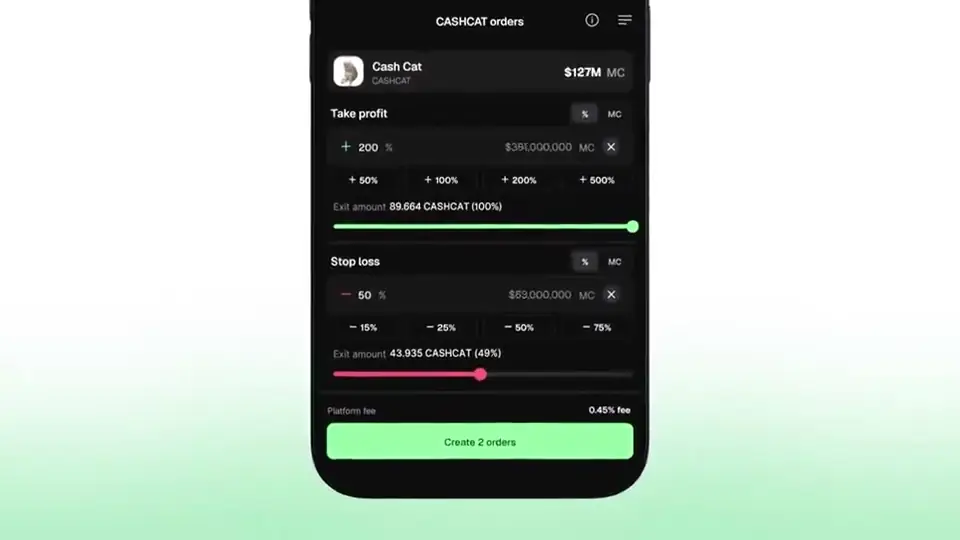
- Add a take profit and a stop loss. Robinhood Chain was in the first group of chains to get them, on October 22, 2026.
The video ends after the filter step. How to switch chains in the Pumpfun app shows the buy and sell screens for EVM tokens.
What does it cost, and what should you check first?
The platform fee plus an EVM fee of 0.10% to 0.15%. The platform fee is 0.45%, or 0.40% with a code, and Pump.fun pays the gas out of the EVM fee. Pool fees and any token tax sit inside the price, and a sell costs the same as a buy.
Most new tokens on any chain lose value fast. EVM contracts can also tax or block sells, which a Pump.fun Solana coin cannot do. Buy a small amount and sell a few dollars back before you add more. Pump Fun alternatives compares Pons and the other launchpads with Pump.fun.