Key moments
- Pairing with any Pump Fun coin
- Step 1: open the pair asset picker
- Step 2: tap Custom or a suggested coin
- Community coins and tech coins
- How a buy routes through the pair coin, such as PUMP
- Demand for both coins
- Price discovery and deeper liquidity
What does pairing with a Pump.fun coin do?
Your coin is priced in the pair coin, not in SOL or USDC.
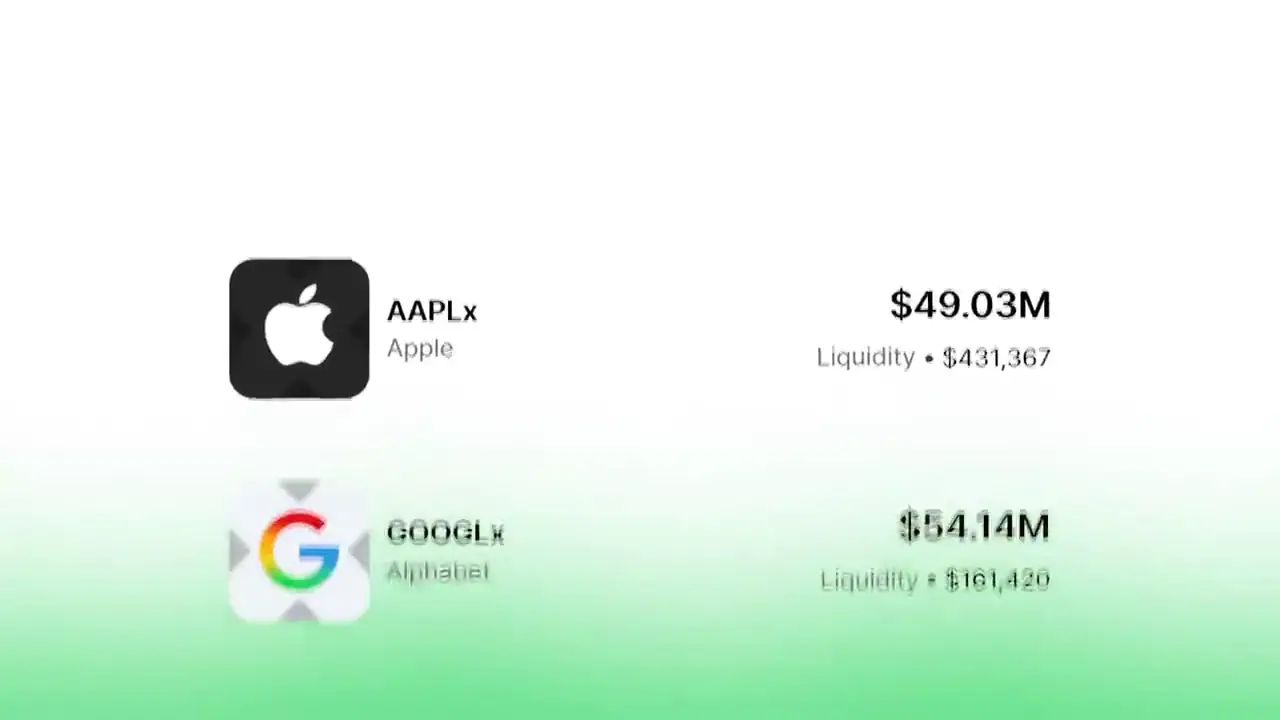
Since October 8, 2026, the Custom option covers most Pump.fun coins, community coins and tech coins alike, next to stocks and majors. Each buy of your coin first buys the pair coin, so every trade puts demand on both. Fees and Holder Rewards are paid in the pair coin. In most cases, a coin that is itself paired with another Pump.fun coin cannot serve as a pair.
PUMP is the best known example. A buy of a PUMP-paired coin swaps your SOL or USDC into PUMP first, then into the coin, in one trade. In Pump.fun's own example from October 8, 2026, $1,000 of USDC spent on baton, a coin paired with PUMP, added $1,000 of buying on PUMP as well. If such a coin has Holder Rewards on, its holders are paid in PUMP.
How do you pair a new coin with another Pump.fun coin?
Pick Custom under Paired liquidity asset, then choose the coin.
- Add code BonusReward under Profile, Rewards, Referrals before your first purchase. Your launch buy counts as one, at 0.40% instead of 0.45%.
- In the Pumpfun app, go to Profile and tap Create, then add the image, name, ticker and description.
- Under Paired liquidity asset, tap Custom. The app may also suggest a coin, like the Pair with $RARI button in the video.
- Pick the pair coin and check its contract address, because copycat coins reuse names.
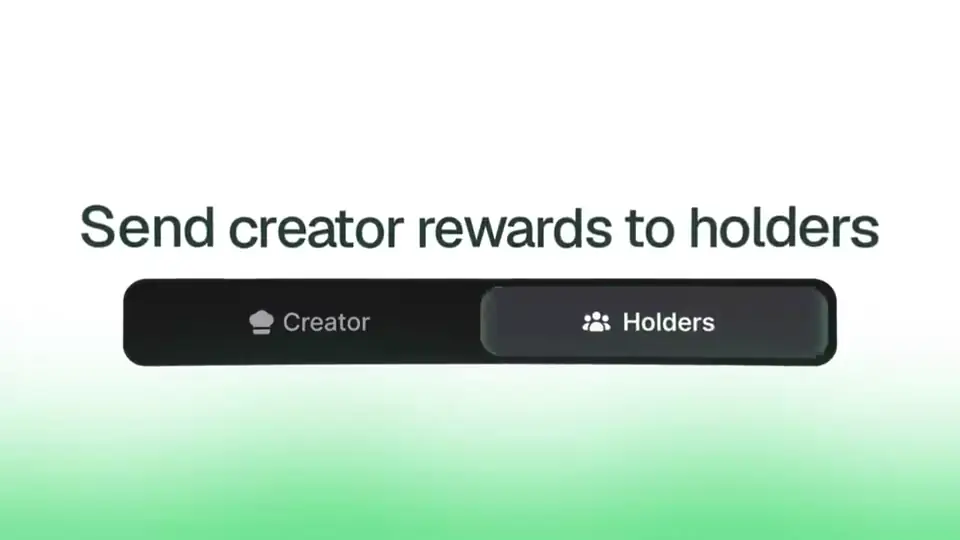
- Choose Creator or Holders for the creator fee. A Holders coin on a Custom pair also needs a flat rate, from 0.3% to 1%.
- Set the first buy and launch.
The video stops after the pair picker. Neither the pair nor the fee mode can be changed later. How to create a coin on Pump Fun covers the rest of the form.
What does a paired coin cost, and what is the risk?
1.25% on the curve, then a flat 0.30% after graduation.
The creator gets 0.30% on the curve and 0.05% after graduation, with no market cap tiers. The app's platform fee comes on top, 0.40% with code BonusReward. Trade paired coins in the Pumpfun app, the website or Terminal, which charge the pool fees once per trade. Apps on an older program may charge them at every pool along the route.
The pair also ties your coin to that coin's price. If the pair coin halves, your coin loses about half its dollar value, even with no sellers, and rewards paid in it shrink the same way. The PUMP token page covers PUMP itself. Raydium's LaunchLab lets new coins pair with other tokens too. Pump Fun vs Raydium compares the two launchpads, their fees and what each pays creators and holders.