Key moments
- Step 1: open the token page
- Step 2: tap Trade
- Step 3: choose Buy and type an amount
- Step 4: review the 0.85% fee
- Step 5: confirm
- The buy goes through
How do you buy a token in Phantom?
Open the token, tap Trade, choose Buy, enter an amount and confirm.
- Search the token by name, or paste its contract address, and open its page.
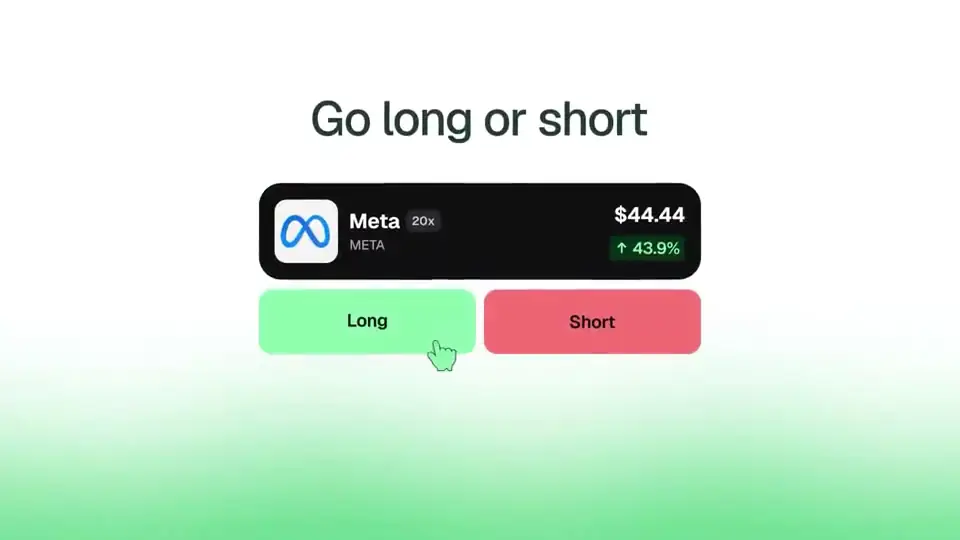
- Tap Trade. A menu opens with Long, Short, Sell and Buy.
- Tap Buy and type the amount in dollars, or tap 25%, 50% or 100% of your balance. The video buys $50 of HYPE from a Cash balance of $105.03.
- Tap Review. The screen shows the tokens you get, here 0.59127 HYPE at $82.15, and the payment line with the fee.
- Confirm. A banner follows the buy until it lands, with an estimate of 5 seconds in the video.
Long and Short on the same menu open a perps trade with leverage, which is a different risk from a plain buy.
How much does a Phantom buy cost?
Most Phantom swaps cost 0.85%, plus network costs.
On the $50 buy in the video, the payment line reads $0.06 plus the 0.85% fee. The coin's own pool fee comes on top in any app, for example 1.25% on a coin still on its Pump.fun bonding curve. Very new Pump.fun coins may get no quote in Phantom at all.
How do you buy the same coin in the Pumpfun app?
Search it, tap the green buy button, type an amount and submit.
- Add code BonusReward under Profile, Rewards, Referrals before your first purchase, so your trades cost 0.40% instead of 0.45%.
- Tap the magnifier and paste the contract address.
- Tap the green button with the coin's ticker and type an amount.
- Check the fee line above Submit. It reads 0.40% with the code and 0.45% without. Then tap Submit.
On EVM chains the Pumpfun app adds 0.10% to 0.15% and pays the gas out of it. How to buy coins on Pump Fun covers each screen, and Pump Fun vs Phantom compares chains, perps and fees.