Key moments
- What Auto Sell does
- Step 1: open the coin and tap Sell
- Step 2: enter the amount
- Step 3: pick a price target
- Step 4: swipe to submit
- A notification when it sells
How does Moonshot Auto Sell work?
It sells your coin automatically when it reaches a price target.
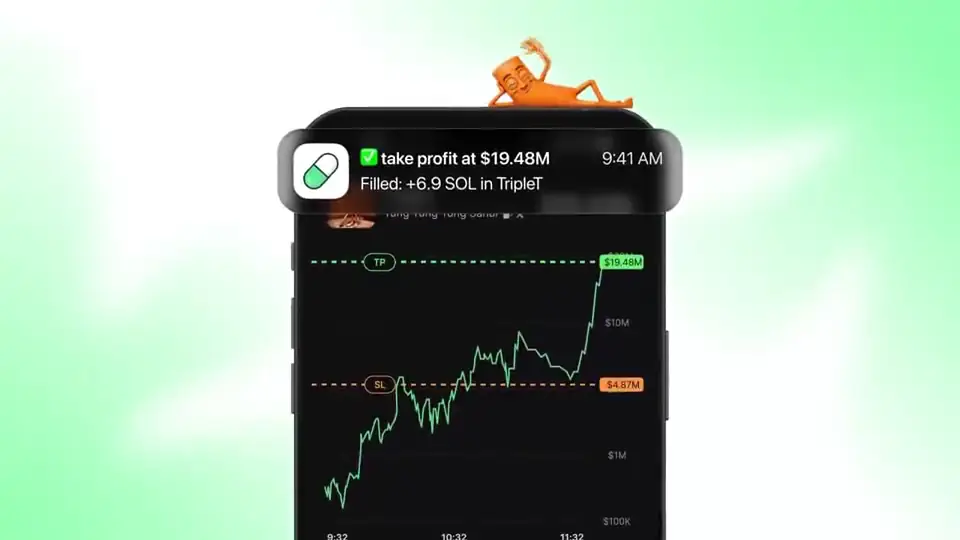
You set the target as a gain on the current price: +25%, +50%, +100% or a number of your own. The order waits on Moonshot's side, so it can fill while your phone is locked, and a notification tells you when it sold. If the coin never gets there, the order expires after 30 days. Moonshot added Auto Sell on October 27, 2026.
How do you set an Auto Sell order?
Start a sell, open Auto sell and pick a target.
- Open the coin and tap Sell.
- Type the amount to sell. The video sells $250 of a $500 balance, with about $247.50 coming back after the fee.
- Tap Set up next to Auto sell and pick a price target. At +25%, the sheet shows the price the coin has to reach, here $0.406775.
- Tap Save, then swipe to submit.
Moonshot notes that the sale price and amount are not guaranteed. On a thin coin the price may touch the target and fall back before the sale fills.
What can't Moonshot Auto Sell do?
It has no stop loss, so it only sells into a gain.
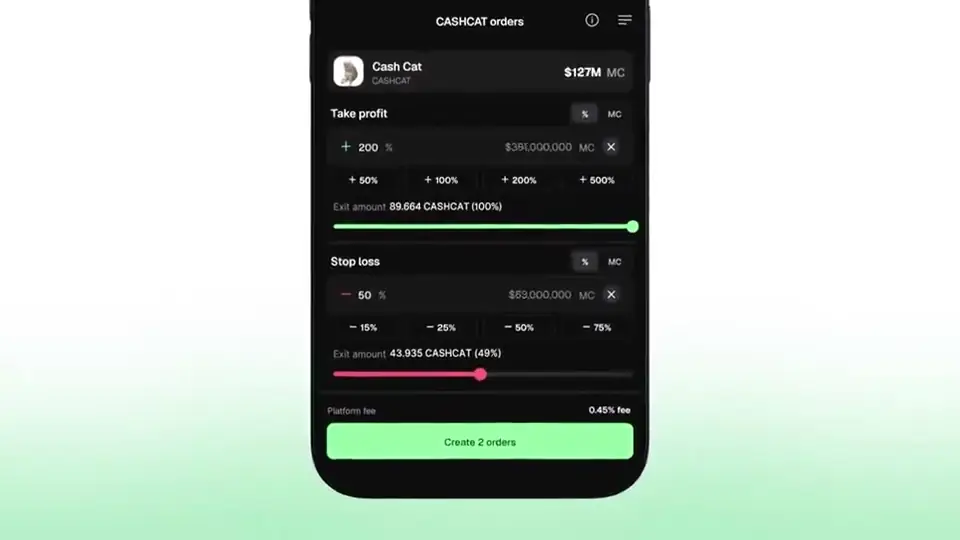
If a coin falls instead, you still have to sell it by hand. Auto Sell does not work on Robinhood Chain coins. Moonshot's own fee still applies when the order fills: 1% from $100 up, or 2.5% from $2 to $100. In the Pumpfun app you can set a take profit and a stop loss on the same position, on Solana and most EVM chains. The app's platform fee is 0.45%, or 0.40% once you add code BonusReward under Profile, Rewards, Referrals before your first purchase. How to set a stop loss on Pump Fun walks through those screens, and Pump Fun vs Moonshot compares fees, coins and cash-outs.